Back-Office & Administrative Automation
Back-Office Automation Summary
Back-office and administrative automation uses intelligent AI-powered workflows to eliminate repetitive internal tasks such as data entry, document handling, reporting, approvals, and system-to-system coordination.
By replacing manual processes with reliable automation, organizations reduce errors, increase operational efficiency, and permanently reclaim human time for higher-value work.
-
Best for: Operations leaders, finance teams, HR, and admin-heavy organizations
-
Delivers: Automated internal workflows, reduced manual effort, consistent and reliable operations
-
Outcomes: Fewer errors, faster execution, and more human time saved across the business
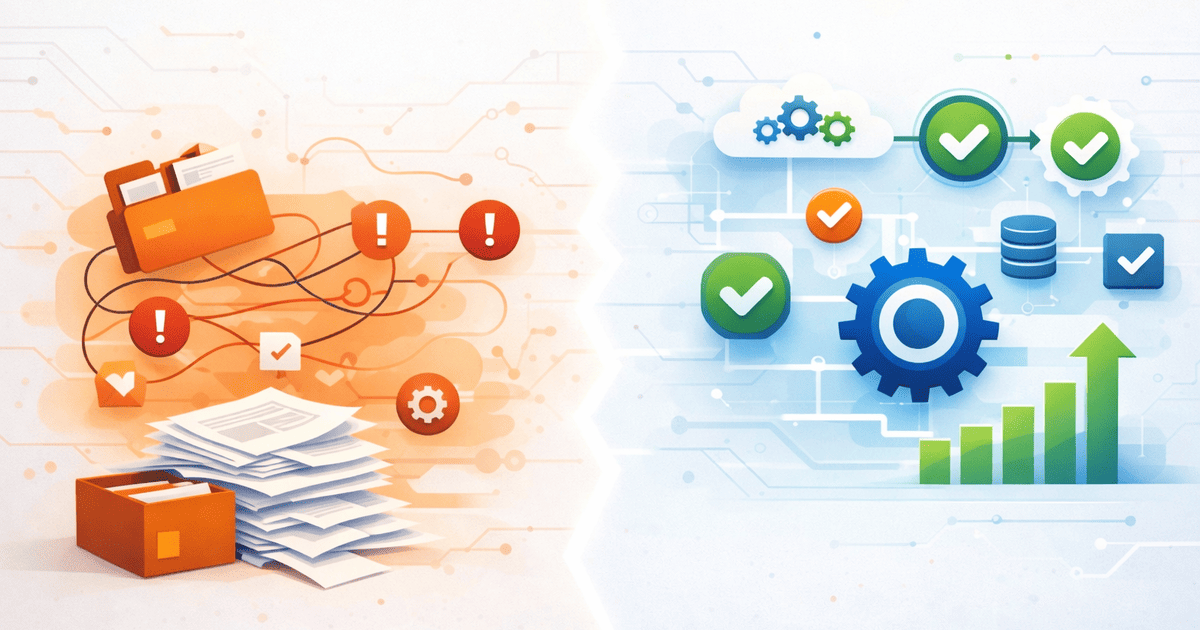
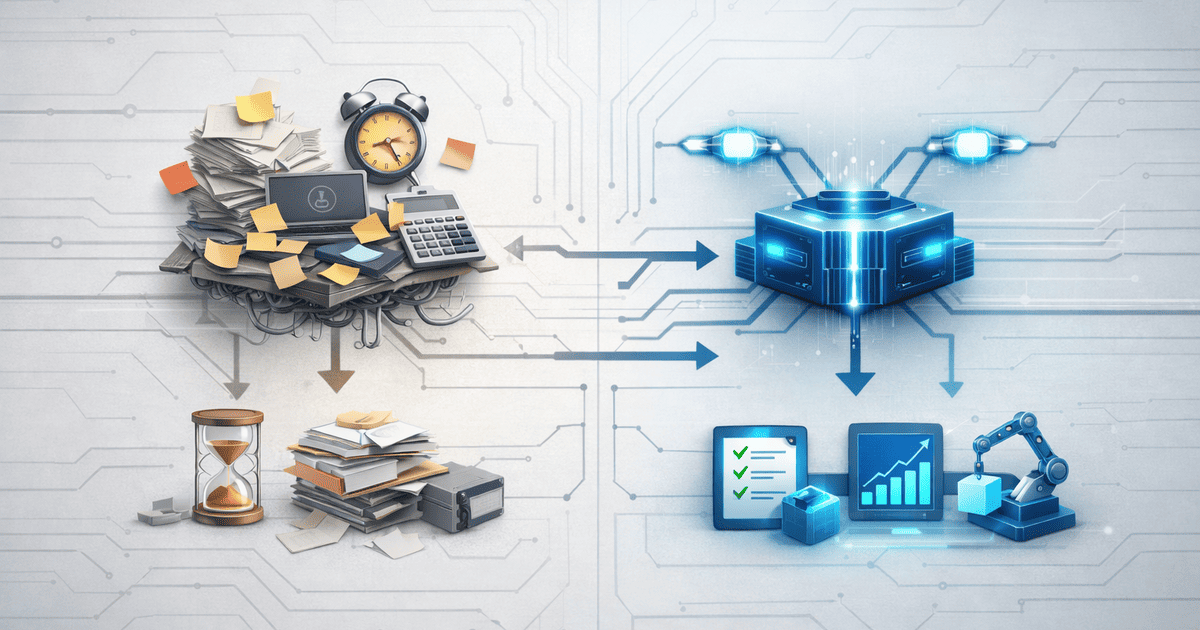
Back-office teams aren’t inefficient—they’re trapped inside systems that behave like legacy starships: fragile, manual, and one alert away from failure.
Requests drift through inboxes like untracked probes, approvals get stuck in subspace, and critical admin work relies on human memory as a control system. When reporting time hits, crews scramble through spreadsheets, reconcile conflicting logs, and hope no core system was quietly failing.
Back-Office & Administrative Automation brings the systems back online.
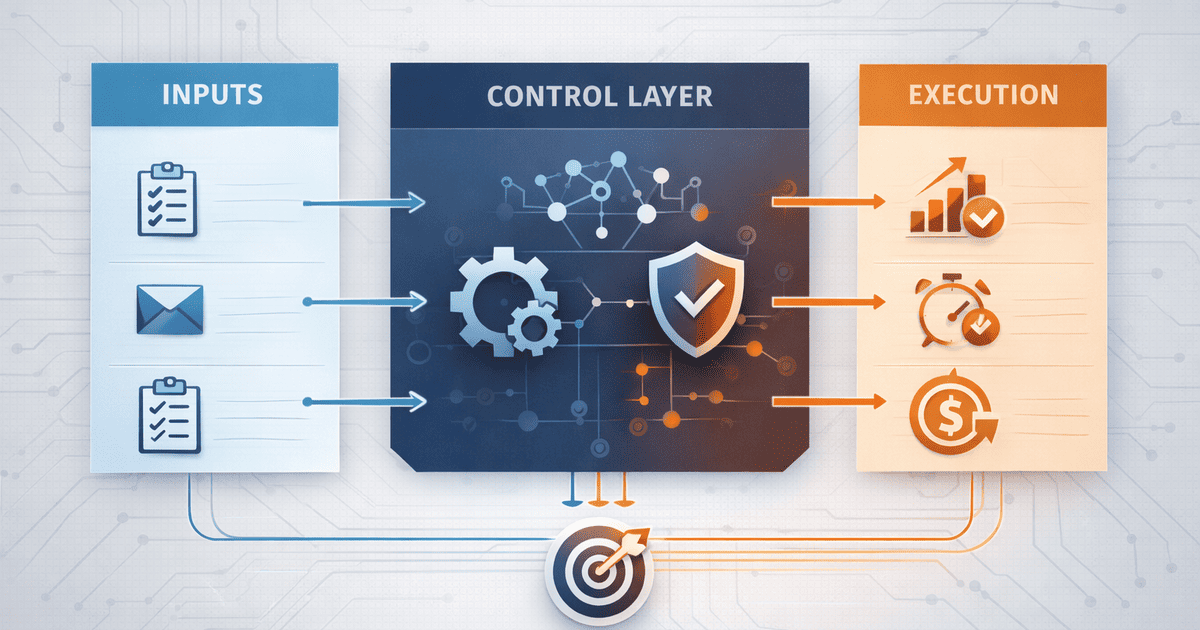
We design AI-powered back-office automation systems that operate like a central control computer—routing requests, validating data, triggering approvals, and synchronizing systems automatically.
Administrative workflows execute in the background, errors are intercepted before they propagate, and human operators are freed from constant manual intervention.
For large organizations, this creates disciplined back-office operations that scale predictably—automated controls replace micromanagement, and complex administrative systems remain stable under load.
For smaller teams, back-office automation delivers real-time operational visibility without building a dedicated admin layer—systems report their own status, and leadership sees what is actually happening, not what someone remembered to update.
The Challenge: Back-Office Automation Struggles
Back-office systems rarely fail in dramatic explosions. They degrade quietly—through manual handoffs, delayed approvals, and administrative workflows that technically function but operationally drift out of control.
Most organizations already run mature back-office platforms—ERP systems, finance tools, HR software, document management stacks. In theory, everything should operate smoothly. In practice, these systems rely on humans to remember every step, every approval, every exception—and that is not automation, it’s hopeful improvisation.
The result: administrative work slows execution, data becomes unreliable, and leadership spends more time questioning reports than making decisions.
The Hidden Cost of Manual Back-Office Work
Every manual administrative step taxes operational efficiency and slows the entire system.
-
Administrative requests wait in queues because intake and routing rules are incomplete or manual.
-
Administrative states and approvals update eventually—after delays, reminders, and manual intervention.
-
Follow-ups live in inboxes and chat threads instead of being enforced by back-office systems.
-
Operational reports appear complete but quietly diverge from reality as manual data decays.
None of this fails catastrophically. It simply degrades system performance over time, slowing operations cycle after cycle.
Why Back-Office Systems Degrade
Back-office platforms are rarely broken. They are simply executing outdated instructions—rules written years ago and never revisited as operational complexity increased.
Over time, back-office systems accumulate:
-
Data fields whose accuracy has eroded beyond confidence
-
Automated routines whose original logic has long been forgotten
-
Stopgap procedures that outlived multiple organizational resets
Without automated enforcement, even capable back-office platforms degrade into passive record keepers—logging activity instead of actively driving operational flow.
The Solution: AI-Powered Back-Office Automation
Instead of forcing humans to compensate for fragile processes, we let automated systems do what they excel at—executing rules precisely, continuously, and without drift.
Back-office and administrative automation converts internal platforms into active operational engines. AI-powered workflows handle intake, validation, approvals, and synchronization, allowing teams to focus on judgment, problem-solving, and strategic work.
This is not about novelty or buzzwords. Intelligence is applied only where administrative friction, delays, or errors routinely emerge.
AI-Driven Intake and Routing Automation
Requests, documents, and tasks route to the correct owner instantly based on role, department, policy rules, workload, or any operational logic your business relies on.
We implement AI-powered intake and routing automation that:
-
Routes requests instantly using role, policy, urgency, workload, or exception rules
-
Balances distribution intelligently across teams, queues, or shared services
-
Evolves routing logic as conditions change—without breaking downstream workflows
Your back office stops behaving like an inbox and starts operating like a control system.
Automated Pipeline Updates with AI
When operational accuracy depends on people remembering administrative steps, system state will always drift from reality.
We automate and enforce:
-
Automatically advances administrative states based on verified actions and system events
-
Continuously validates data and enforces operational hygiene through automated checks
-
Verifies readiness and completeness before records propagate into reports or downstream systems
System state updates itself as work progresses—quietly, predictably, and without human prompting.
AI-Powered Automated Follow-Through
AI-driven automation ensures critical work never stalls due to missed reminders, forgotten tasks, or overloaded inboxes.
-
Generates tasks automatically at precise moments within administrative and operational flows
-
Initiates follow-through based on system events, document changes, approvals, or elapsed time
-
Executes predefined follow-through sequences automatically without manual setup or supervision
The automation layer maintains continuity, so human teams are no longer required to remember every step.
Real-Time Operational Visibility with AI
When automation governs execution, data remains coherent. When data remains coherent, operational insight becomes reliable.
We design visibility and reporting layers that:
-
Sources information only from validated, system-generated events and records
-
Refreshes operational metrics in near real time as work progresses across systems
-
Surfaces reliable operational signals without assumptions or guesswork
Dashboards shift from presentation to active operational oversight.
How It Works: Modern Back-Office Automation
Back-office automation works best when applied with intent, not enthusiasm. We avoid blanket automation and instead engineer precise operational flow where it matters most.
The method reflects how resilient operations function in practice—distinct phases, embedded controls, and platforms that preserve continuity without depending on individual recall.
Diagnosing Back-Office Workflow Efficiency
We begin by mapping how work actually moves through the organization:
-
Request intake to initial processing
-
Processing to approval or execution
-
Completion to audit, reporting, or follow-up
This pinpoints where staff are compensating for weak handoffs, where records lose integrity, and where throughput fades without anyone noticing. The tooling is only one subsystem—end-to-end operational execution is the mission.
Applying AI Automation at Key Back-Office Points
Not every action warrants automation. Only the steps that introduce delay, error, or inconsistency.
We isolate:
-
Decision points that function without human discretion
-
Recurring tasks that gradually destabilize process consistency
-
System checkpoints suitable for machine-assisted analysis and ranking
Intelligence is inserted selectively to stabilize execution, confirm correctness, and maintain control without adding complexity.
Assemble, Validate, and Activate
We construct and activate automation across:
-
Enterprise finance and operations platforms
-
Human resources, payroll, and people-operations systems
-
Any internal system required to move work forward
Each automation is exercised against live conditions, observed in operation, and documented to prevent future decay. Execution remains stable even as teams and priorities change.
The Benefits of Back-Office Automation
Once execution no longer depends on individual recall or goodwill, operations stabilize. Processes run quietly, reliably, and at scale.
At this point, automation stops feeling like a technical enhancement and starts functioning as core operational infrastructure.
Operations Run Smoother (Because Friction Is Removed)
When administrative drag is removed, operational throughput increases and teams regain focus on high-value execution.
-
Teams stop coordinating administrative work and start executing core responsibilities
-
Critical actions are triggered reliably without reminders or escalation
-
Work is sequenced automatically based on urgency, rules, and system state
Internal platforms support execution instead of interrupting it.
Leadership Gains Reliable Operational Insights
When operational records update automatically, reporting shifts from negotiation to observation.
-
Immediate insight into operational status across systems
-
Reduced last-minute issues during reporting cycles
-
Decisions driven by verified system output rather than anecdote
Leadership shifts attention from validating reports to directing action.
Creating a Self-Sustaining Back-Office
An automated back office continues functioning as workloads shift, attention fluctuates, or roles change.
-
Rules execute automatically without manual oversight
-
Information remains consistent through automated validation
-
Operational capacity expands without equivalent staffing increases
The operation becomes predictable—quiet, stable, and intentionally uneventful.
Back-Office Automation: Platform-Independent Design
Modern organizations rely on a mix of finance, HR, operations, and document platforms—capable systems that become fragile when left without active orchestration.
This service is engineered around core administrative platforms, using native automation, integration layers, and intelligence where records originate—ensuring execution happens at the source rather than through fragile add-ons.
At the same time, the architecture remains intentionally platform-independent.
Whether your environment spans ERP tools, finance software, HR platforms, document systems, or a hybrid of all of them, the same operating principles apply:
-
Remove manual handoffs from operational sequences
-
Embed governance directly into system behavior
-
Offload recurring execution to machine-driven logic
Core administrative platforms do not need replacement—they need coordinated execution.
Why Our Back-Office Automation Stands Out
Many automation efforts stop at surface-level setup—forms, screens, permissions, and reports. Useful components, but not a complete operating model.
This service concentrates on how work actually executes inside the organization.
We construct environments where correct outcomes occur by default—driven by encoded logic rather than individual recall. Intelligence is integrated at the foundation, and automated execution is treated as operational infrastructure.
The shift becomes visible almost immediately:
-
Reduced edge cases requiring manual intervention
-
Less corrective effort applied after execution
-
Fewer review cycles triggered by stalled or unclear work
Core back-office platforms shift from passive record systems into active execution layers.
This is not about polishing interfaces.
It’s about restoring consistency to operational outcomes.
Stabilizing Back-Office Operations with AI
When outcomes feel unstable, the underlying issue is usually broken execution paths, not insufficient effort.
Back-office and administrative automation replaces manual coordination with machine-driven execution across internal platforms, allowing work to progress without constant oversight.
It’s time to make internal operations function as engineered systems, not informal guidelines.