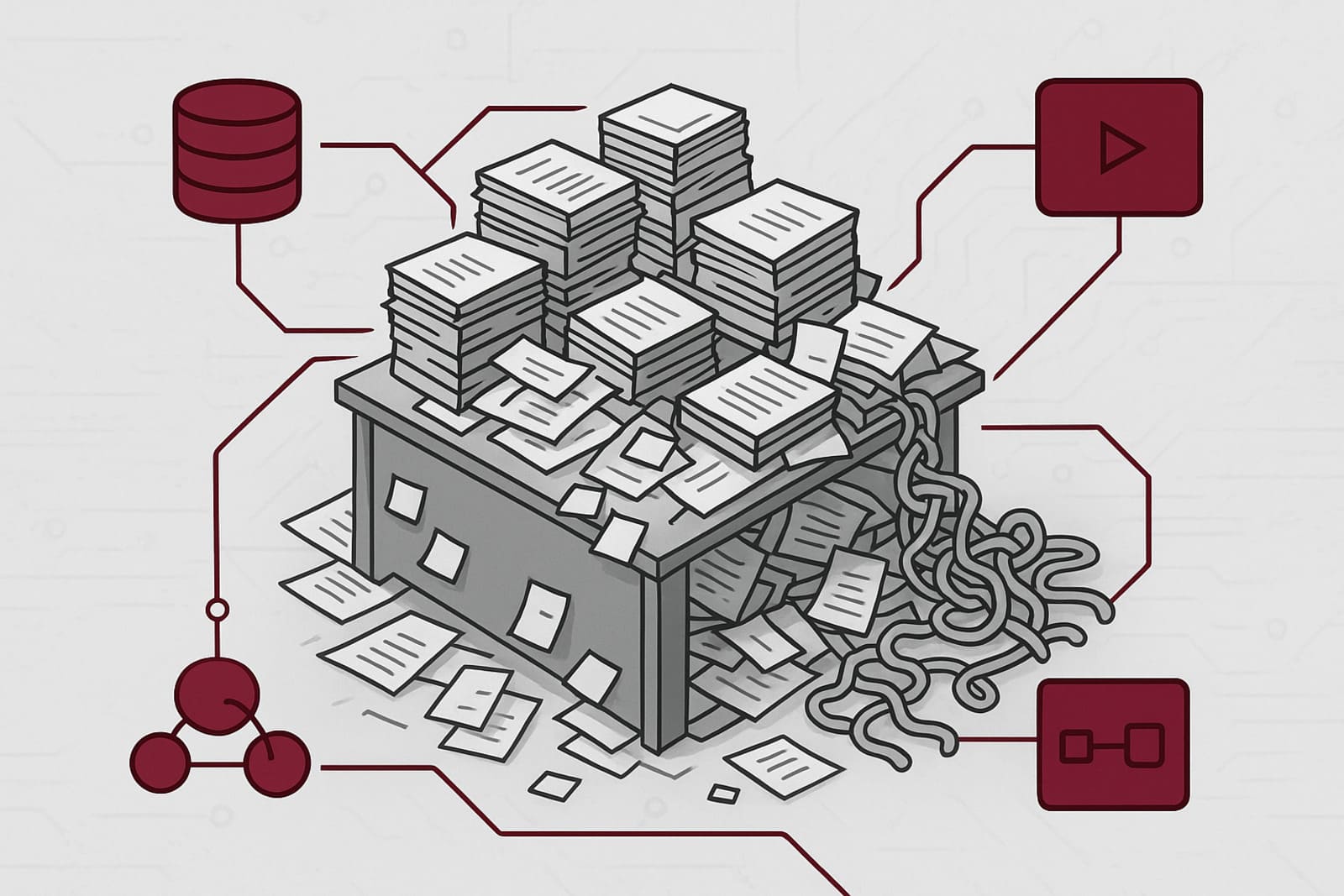
An automation audit is a systematic review of your business processes to identify manual work that should be handled by automated systems. Most operational dysfunction doesn't announce itself with explosions and red alerts. It seeps in quietly — a spreadsheet here, a manual email chain there, an approval that routes through three inboxes because nobody ever set up a better system. The CRM isn't wrong exactly. The reports aren't technically incorrect. Things are getting done. Just not by the system you paid for.
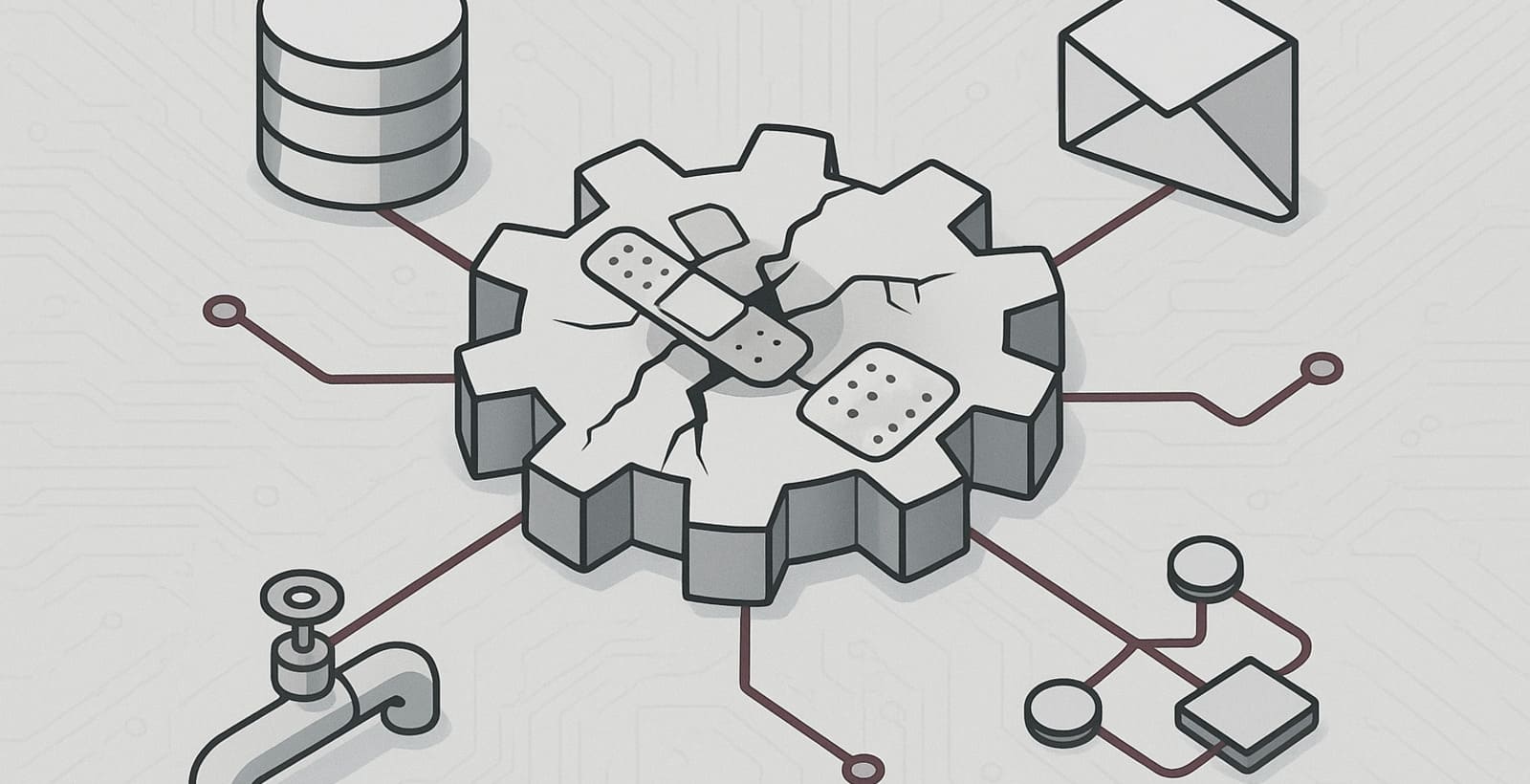
None of it looks broken. But collectively, it's a slow bleed — and that's exactly what makes it dangerous. A ship with a slow hull breach doesn't alert the crew until the water's already at the bridge.
Your operations aren't failing dramatically. They're just running on human memory, goodwill, and too much coffee.
The question isn't whether manual work exists in your organisation. It does. The question is whether you know where it is — and whether you're doing anything about it. That's what an automation audit is for.
Why Manual Work Is Harder to Spot Than You Think
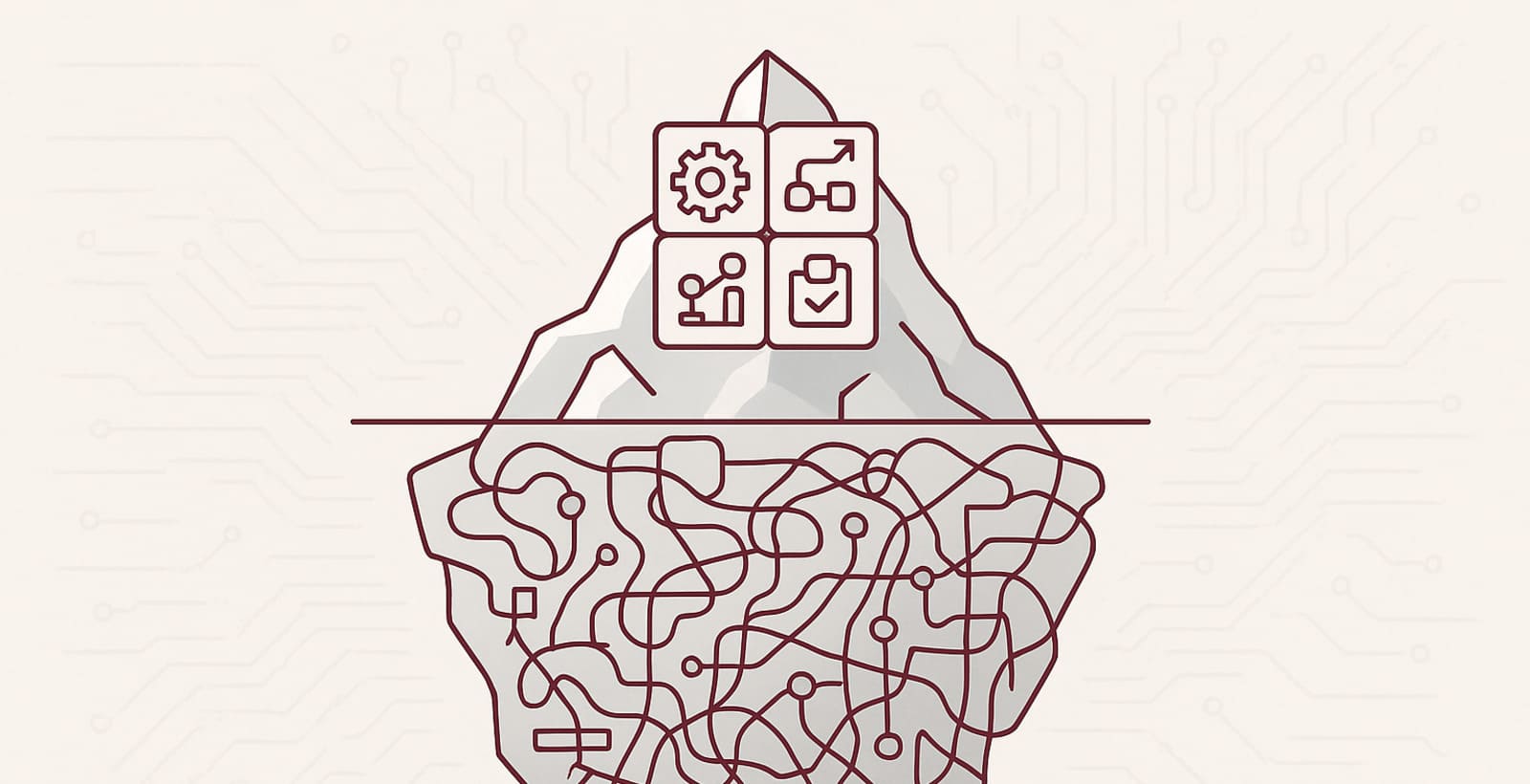
Manual work hides for a simple reason: it works just well enough to avoid scrutiny. Nobody files a ticket for the weekly Excel export they've been doing for three years. Nobody raises a flag about the Monday morning copy-paste ritual that takes 45 minutes. It gets done, it's reliable, and it hasn't visibly failed — yet.
There are three reasons manual work stays invisible.
First, institutional memory masks it. When Janet in accounting has been doing the monthly reconciliation the same way since 2018, nobody questions it — because Janet knows exactly what she's doing. The problem is that Janet's knowledge exists entirely inside Janet's head, and no system is aware of it.
Second, manual work often masquerades as the way we work here. It gets baked into onboarding. It gets described as the process. And because it's described as a process, it feels official — even when it's held together with human effort, goodwill, and a shared folder called "FINAL FINAL v3."
Third, automation scares people. There's a quiet anxiety that if the manual step goes away, so does the person doing it. So the workaround survives, not because it's good, but because nobody wants to be the one to flag it.
Automation doesn't replace people. It replaces the parts of their job they already resent.
The Automation Audit Framework: Four Questions to Ask Every Process
An automation audit isn't a theoretical exercise. It's a diagnostic. You're looking for specific patterns — processes that consume human time in ways that don't require human judgment. The framework is simple, and you can apply it to every workflow in your organisation.
For every process, ask four questions.
1. Does a Human Need to Make This Decision?
This is the single most important filter in the whole audit. If a human doesn't need to make the decision — if the outcome is always the same given the same inputs — then it should be automated. Full stop.
Lead routing is the classic example. A new lead comes in from the website. It gets assigned to a sales rep. If the assignment criteria are defined — territory, company size, product interest — there's no reason a human needs to touch it. The system can route it, log it, and send a follow-up, all before anyone's opened their email.
Action item: For one week, have your team log every decision they make manually. Then ask: could this decision be expressed as a rule? If yes, it's an automation candidate.
2. Is Someone Moving Data Between Systems by Hand?
System-to-system data movement is the cockroach of operational waste. It survives everything. Every new tool, every reorg, every "digital transformation initiative." It's still there — someone exporting a CSV and uploading it somewhere else. Probably on a Friday afternoon.
If someone is downloading a report from your CRM, cleaning it in Excel, and pasting it into your finance system, that's not a workflow. That's a human API. And human APIs make mistakes, take holidays, and eventually leave the company.
Action item: Map every instance where data moves between two systems. If there's a human in the middle, circle it. That's your automation shortlist.
3. Does This Process Break When One Person Is Out?
The bus-factor test is brutal but effective. If a process only works because a specific person is present, it's not a process — it's a dependency. One that will quietly devastate your operations the moment that person takes a two-week break or decides to explore other opportunities.
Automated processes don't take sick days. They don't go on holiday. They don't get recruited by a competitor and leave with two weeks' notice. If a critical workflow relies on one person's knowledge, availability, or memory — it's overdue for automation.
Action item: Identify every process that has one owner and no documentation. Then ask: if that person weren't here tomorrow, what would break? Start automating those first.
4. Are We Paying People to Wait?
Waiting is the most expensive invisible cost in most organisations. It doesn't show up on a P&L. Nobody tracks it. But it's everywhere — in approval chains, in handoff delays, in the three-day gap between "I sent the request" and "I haven't heard back."
According to McKinsey, 60% of employees could save 30% of their time with workflow automation — time currently lost to manual coordination, status updates, and approval chains that exist because no system trusted another system.
When an approval workflow routes through three inboxes sequentially, and each inbox belongs to someone who only checks email twice a day, a ten-minute task takes three days. The work isn't hard. The wait is the problem.
Action item: Pick your three most cross-functional processes and map how much of the total time is actual work versus waiting. You'll find that in most organisations, over 60% of process time is wait time. That's the automation opportunity.
If waiting is built into your process, no amount of hustle will fix it. Only automation will.
The Manual Work Taxonomy: Three Species You'll Find on Every Ship
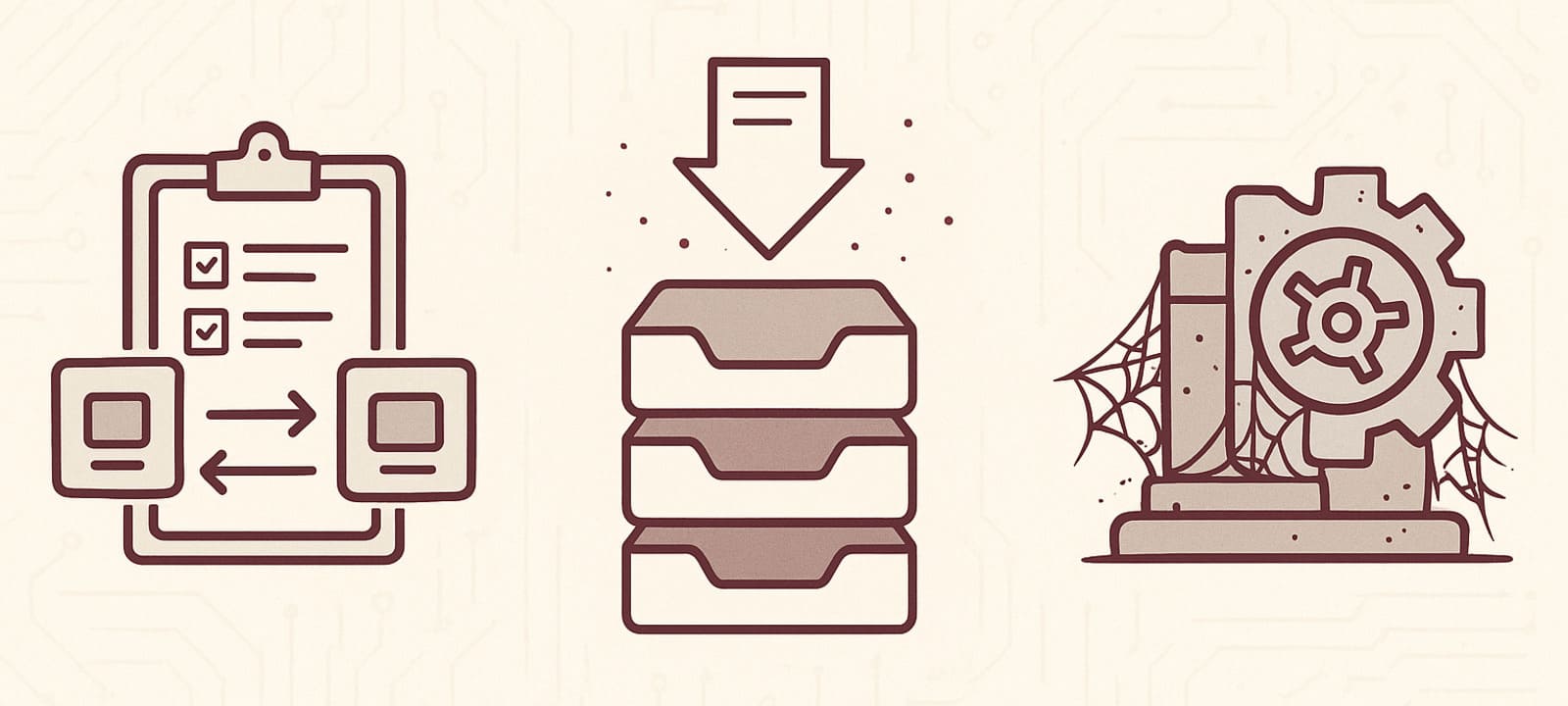
After running automation audits across organisations of every size, we've found that manual work tends to cluster into three categories. They look different on the surface, but they share one characteristic: they all consume human time without requiring human judgment.
Type 1: The Copy-Paste Ritual
Data moves from System A to System B via a human clipboard. It happens on a schedule — weekly, monthly, end of quarter. It takes 30–90 minutes. Everyone knows it's inefficient. Nobody has fixed it yet because it technically works, and changing it would require someone to own the problem.
Type 2: The Approval Black Hole
A request enters a chain of human approvals and effectively disappears. The requester waits. The approvers forget. Someone sends a follow-up. An email chain begins. Five days later, the approval comes through. This is not a communication problem. It's a workflow problem — and it's solvable.
Type 3: The Legacy Process With Tenure
These are the most dangerous because they're the most comfortable. The process has been running for years. It works. Nobody knows exactly why it's structured the way it is, but everyone agrees it would be risky to change it. Usually because the person who designed it left in 2017.
Where to Point Your Sensors First
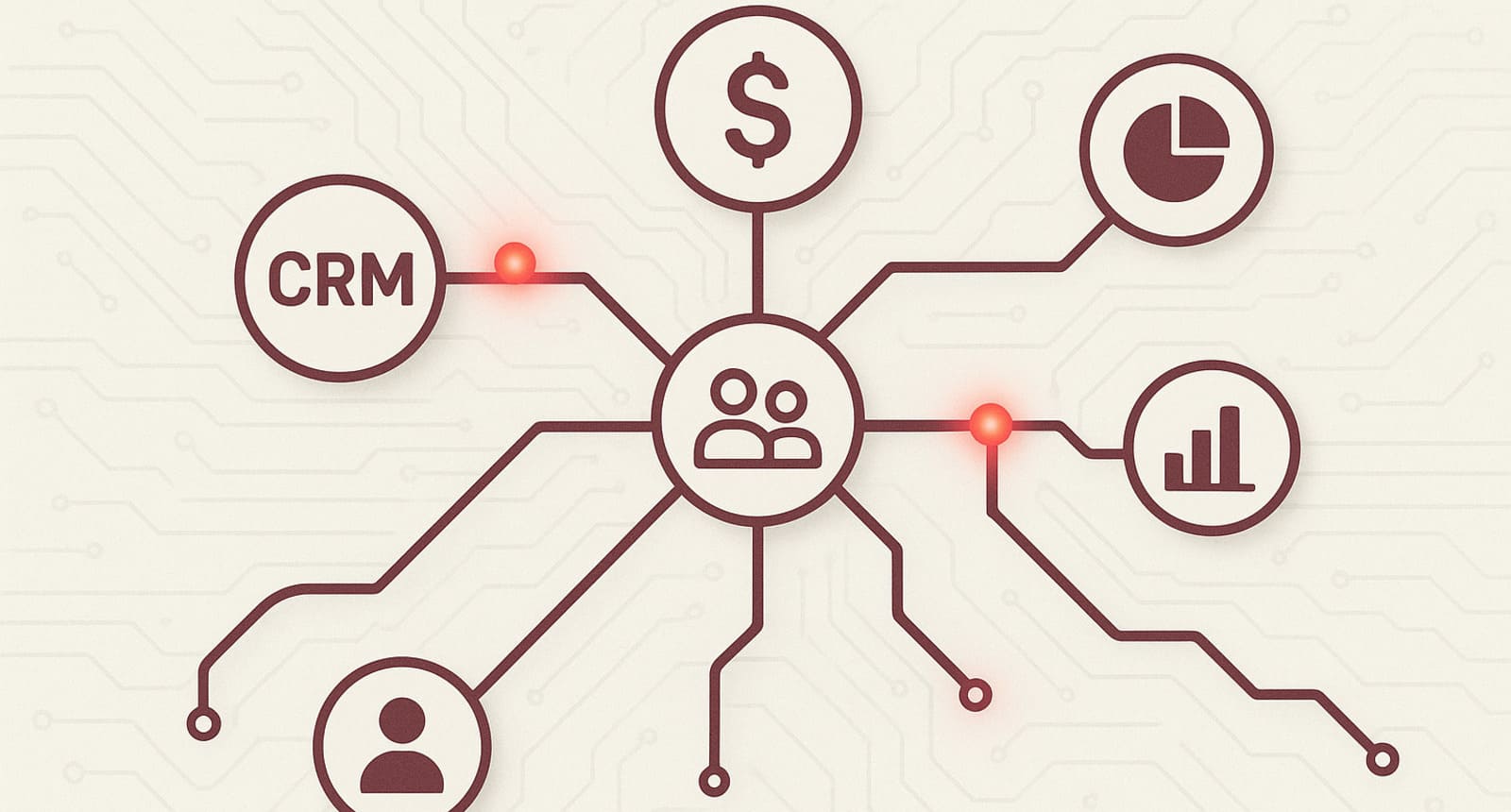
You don't need to audit everything at once. That's how automation projects turn into two-year initiatives that never ship. Start with the departments that generate the most operational noise — the ones where humans are most visibly acting as connective tissue between systems.
CRM & Revenue Operations: Lead routing, pipeline updates, follow-up sequences, reporting. If your CRM relies on sales reps to keep it accurate, you're already behind.
Finance & Back-Office: Invoice processing, expense reconciliation, month-end close. Every manual handoff is a potential error, and in finance, errors compound.
HR & People Operations: Onboarding checklists, offboarding workflows, equipment requests, access provisioning. These processes are repetitive, high-volume, and almost entirely rule-based. They're automation goldmines.
Cross-Department Handoffs: Any process that says "and then it goes to [other department]" is worth examining. The gap between departments is where work goes to wait.
If a process says "and then it goes to the other department," you've found your next automation target.
From Audit to Action: What Happens After You Find the Friction
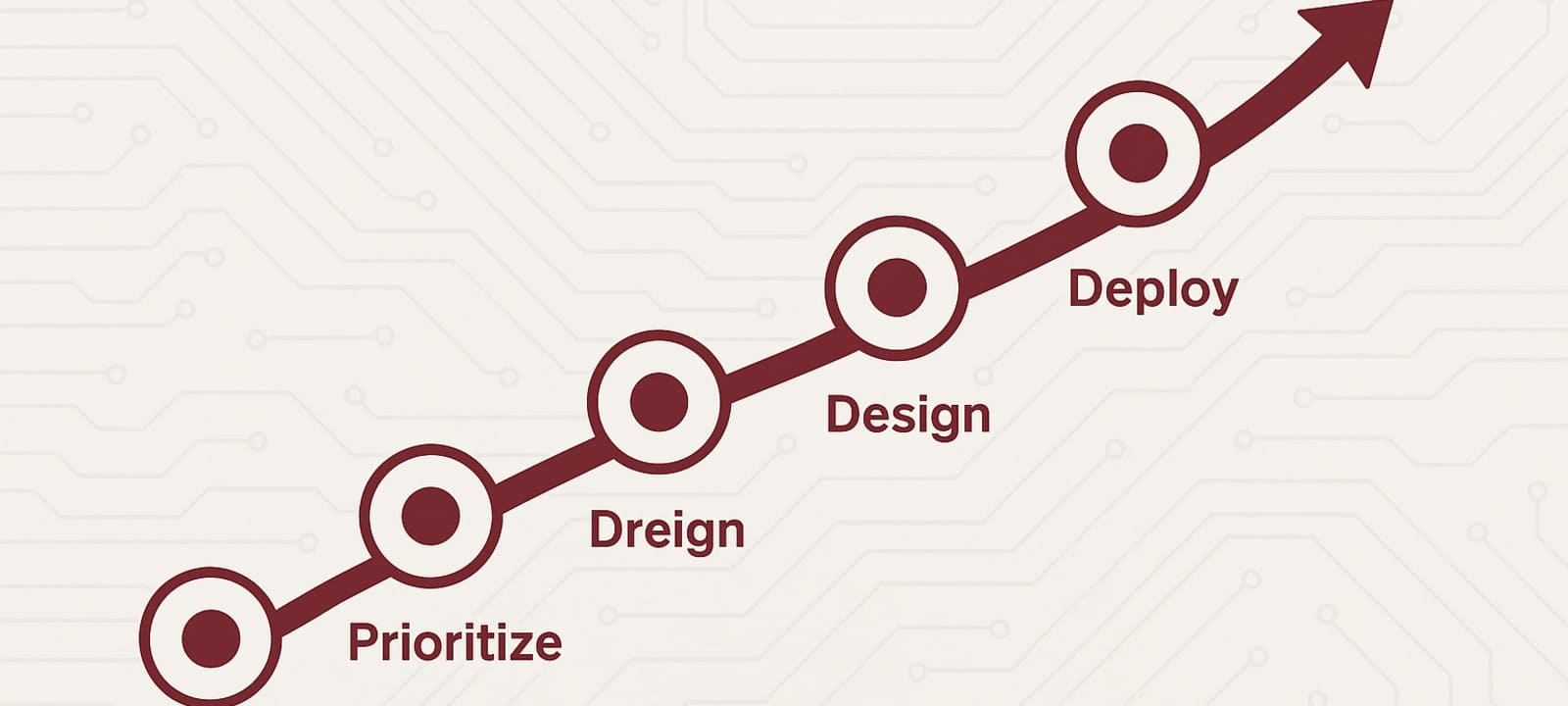
Finding manual work is step one. It's necessary, but it's not sufficient. The audit is only valuable if it leads to action — and action in automation requires a clear methodology. Here's how to move from a list of friction points to a live, working system.
Prioritize by Pain, Not by Ease
The temptation is to automate the easiest thing first. Resist it. Easy automations feel productive but rarely move the needle. Instead, prioritize by the volume of human time consumed and the frequency of the process. A painful daily task beats a mildly inconvenient quarterly one every time.
Design for Reliability, Not Perfection
Automation doesn't need to handle every edge case on day one. A workflow that reliably handles 80% of cases automatically is vastly more valuable than a theoretical perfect system that never ships. Start with the happy path. Build from there.
Make It Observable
A workflow nobody can see is a workflow nobody trusts. Build in logging, status visibility, and exception alerting from the start. Your team needs to be able to see that the automation is running, and know immediately when it isn't.
Tell Your Team What's Changing — and Why
The fastest way to kill an automation initiative is to surprise people with it. Announce what's changing before it changes. Explain what the automation does and — critically — what it doesn't do. People support automation when they understand it. They sabotage it when they're afraid of it.
The best automation project is the one your team thanks you for, not the one they fear.
What an Automated Organization Actually Feels Like
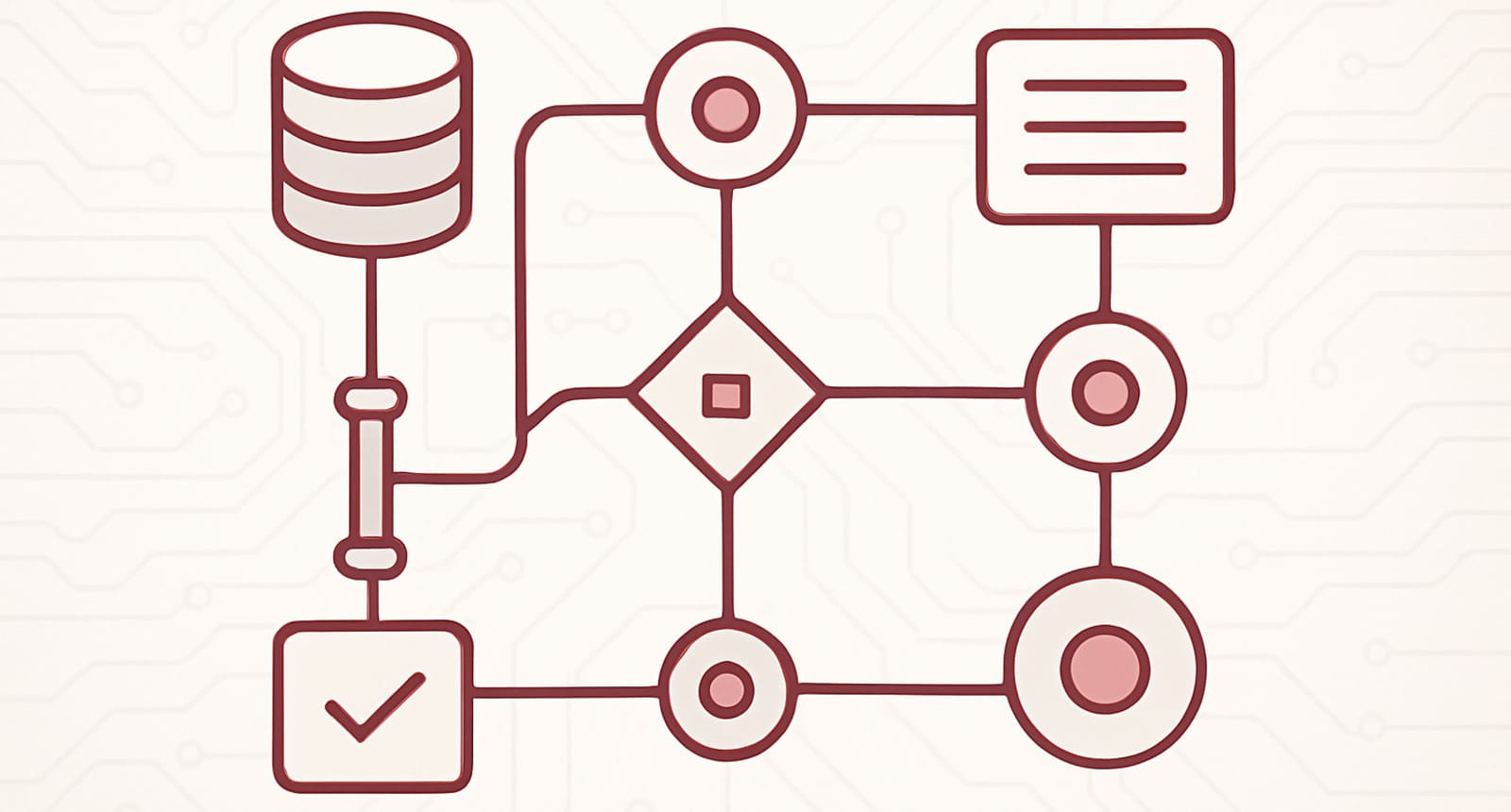
The goal of an automation audit isn't fewer employees. It's fewer wasted hours. When manual work is removed from the equation, people don't disappear — they redirect. They spend time on the work that actually requires them: relationships, judgment calls, creative problem-solving, and the things that can't be expressed as a rule.
When automation is done right, it's almost invisible. Data moves where it needs to go. Approvals flow without chasing. Reports generate themselves. Nobody notices the system — which means it's working exactly as intended. For a deeper look at what that shift feels like in practice, see AI Automation That Saves Time.
That calm is the real ROI. Not the dashboard. Not the efficiency metric. The fact that your ops team isn't firefighting on a Thursday afternoon because a process broke, because no process is fragile enough to break dramatically anymore.
Your ship isn't broken. It just needs someone to scan for the leaks. Most of them are smaller than you think. And most of them have been there longer than you'd like.
The goal isn't fewer people. It's fewer wasted hours. Your team's brainpower should go toward decisions, not data entry.
Ready to Run Your Automation Audit?
An automation audit is the fastest way to find the operational drag that's been hiding in plain sight. At Few Good Geeks, we run these scans for SMBs that are scaling and starting to feel the weight of their own manual processes — the ones that worked fine at 20 people but are quietly collapsing under the load at 80.
We don't sell software. We design AI-powered automation workflows that fit your existing systems, eliminate the manual middle, and actually run in production — not in a deck, not in a pilot, but in your live operations.
If your operations feel heavier than they should — beam us a message. We'll find the leaks.